Why Audio Transcription Still Frustrates in 2025
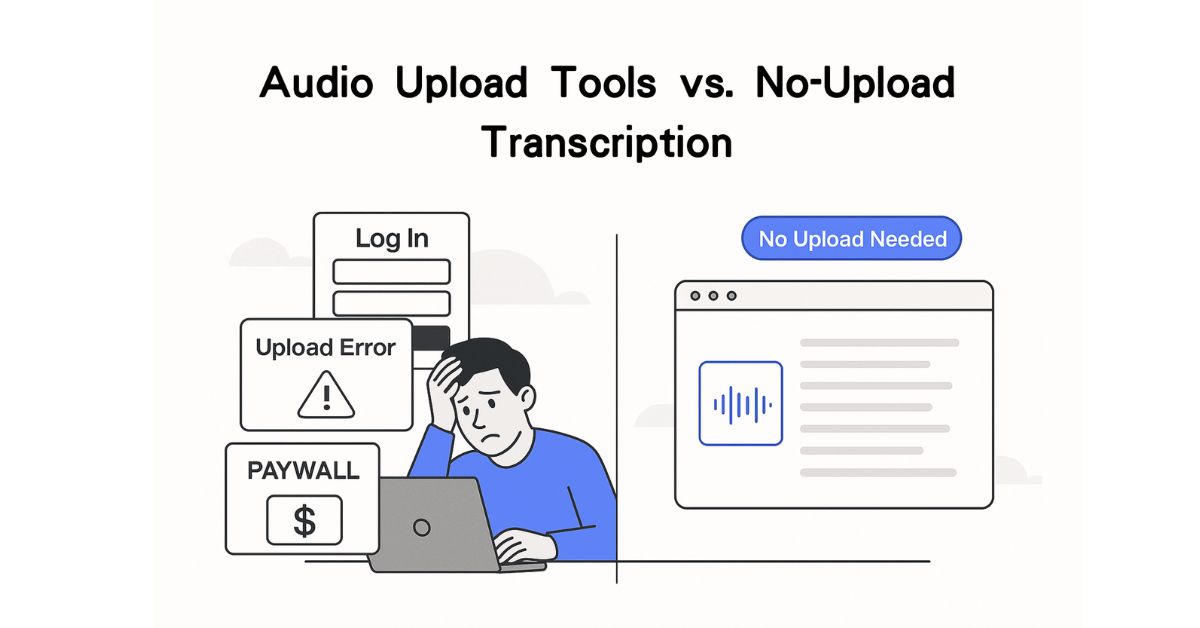
You thought uploading an MP3 and getting a transcript would be simple. Then came the upload errors, the signups, the paywalls.
Whether you’re a student trying to turn lectures into notes, a coach organizing private sessions, or a creator slicing up podcast episodes—you’ve probably run into the same walls: file limits, delayed results, and blurry privacy policies.
Plenty of “free” tools promise audio-to-text magic, but the catch often comes later. Your file is uploaded, processed somewhere else, and then gated behind registration or subscription. What started as a simple task becomes a trade-off between speed, safety, and control.
This post explores what you’re really giving up when you upload audio to transcribe it—and why a browser-based, no-upload approach is finally possible (and worth considering). One standout solution is audio to text transcription that runs directly in your browser, no files sent to the cloud.

What You Really Give Up When You Upload Audio
At first glance, uploading a file seems harmless. You drag and drop, click a button, and wait. But beneath that simplicity are compromises most users never signed up for.
Your Privacy
Once a file is uploaded, you’re placing trust in servers you can’t see. How long is your file stored? Who has access to it? Could it be used to train AI models? If you’re handling sensitive material—think coaching sessions, student interviews, or internal briefings—those aren’t hypothetical concerns.
Your Time
Large files take time to upload. Add queue delays, account setup, or trial limitations, and you’ve lost the very speed transcription is supposed to offer.
Your Data Ownership
Some platforms retain your uploads, watermark exports, or hide full features behind paywalls. You might get a preview, but to download or edit, you need to upgrade.
Your Flexibility
Need to transcribe multiple formats? Want to skip logins? Prefer offline access? Many tools can’t deliver unless you’re a paying user.
Is Local Transcription Without Uploading Audio Even Possible?
Until recently, the answer was no. Speech recognition was compute-heavy and lived on cloud servers.
But with modern browser-based AI and local machine learning models, transcription can now happen entirely on your device. No uploads. No accounts. No storage on someone else’s server.
That means:
- Everything runs locally—your audio never leaves your machine.
- No delays—processing starts instantly.
- No tracking or storage—just real-time results.
- Works in-browser—no apps, no installs.
Tools like Soundwise.ai are offering audio to text transcription directly in your browser—no uploads, no sign-ups, and no compromises.
If you want to see how it works in real time, click here to try a zero-upload audio to text experience for yourself.
Why Browser-Based Transcription Took This Long
If transcription without uploading is such a breakthrough, why did it take until now?
Until recently, accurate speech recognition required large, resource-intensive models running on powerful servers. Your browser simply couldn’t handle the processing demands. Audio files needed to be uploaded so cloud-based AI systems—trained on huge datasets and powered by GPUs—could do the work.
But now, the landscape has changed:
- Lighter open-source models like Whisper have made it feasible to run transcription without massive infrastructure.
- Browser technology has advanced, with tools like WebAssembly and on-device GPU acceleration making real-time local processing possible.
- User privacy awareness has grown, pushing demand for solutions that keep data on-device.
Step-by-Step: How to Use Soundwise.ai for Audio to Text
1. Open the Tool
Head to Soundwise.ai‘s free audio to text transcription page. No login, no popups—just a clean browser interface ready to go.
2. Drop in Your Audio File
Supported formats often include MP3, WAV, M4A, FLAC, and video types like MP4 or MOV.

3. Watch Transcription Begin Instantly
With on-device processing, the AI begins converting speech to text right away. Some tools support 90+ languages and add timestamps.
4. Review and Export
You can copy, edit, or export the transcript in TXT, DOCX, PDF, or subtitle format (SRT). No watermark, no locked features.
5. You’re Done
No signup. No email. Just clean, private text—ready to use.
Note: All descriptions are based on tools publicly available at the time of writing. Always check the current version for updates.
How This Solves the 3 Most Common Transcription Pains
Pain #1: Loss of Control
Upload-based services leave you in the dark. Who sees your file? How long is it stored?
The Fix: Local browser transcription keeps everything on your machine. No middleman.
Pain #2: Wasted Time
Uploads, queues, account creation—they all add friction.
The Fix: Browser tools start transcribing immediately. You’re limited only by your device speed.
Pain #3: Bait-and-Switch Free Tiers
“Free” plans often gate real functionality.
The Fix: Some browser-based tools offer full access—no signup, no limits (at least during testing).
Who Benefits Most from This Approach?

Podcast Creators
Full episodes? No problem. Drop the file in, get clean text fast.
Educators & Students
Transcribe lectures or discussions without uploading student voices.
Coaches & Therapists
Protect client confidentiality while still getting transcripts.
Content & Marketing Teams
Fast access to meeting recordings or webinar summaries—no IT tickets needed.
Instead of bloated, overbuilt software, browser-based transcription tools now solve one thing really well: turning audio into text instantly—without uploads, logins, or delays.
FAQs: What You Need to Know Before Trying It
Is it really free?
Yes, during testing, the tool required no signup, payment, or usage caps. Always check the latest version to confirm.
Is it secure for private content?
Yes. Based on public testing, Soundwise.ai processes everything directly in your browser. Your audio stays on your device—there’s no upload, no account, and no server-side processing involved.
What formats are supported?
Common audio and video formats, including MP3, M4A, WAV, MP4, and more.
Can I export transcripts?
Yes—in TXT, DOCX, PDF, or SRT. You can also copy or edit text directly in the browser.
How accurate is it?
It depends on audio clarity, speaker accents, and your device’s speed. In most clean recordings, results are highly usable.
Final Thoughts: Transcription That Respects Your Content
For years, the default workflow was: upload, wait, hope you get usable text.
That model is changing.
Browser-based transcription gives you speed, privacy, and control. No servers, no signup, no strings.
So next time you’re asked to give up your content just to get it back as text—pause. You may already have a safer option, running right in your browser.