I used to think AI image tools were only useful for quick fun. Make a character, test a style, laugh at the weird hands, move on. That was my view until I had to prepare several visual concepts for a small content project with almost no design time left. I did not need museum-level artwork. I needed a few clear directions, fast, and I needed them to look good enough that a real person would stop scrolling.
That was when I started taking these tools more seriously.
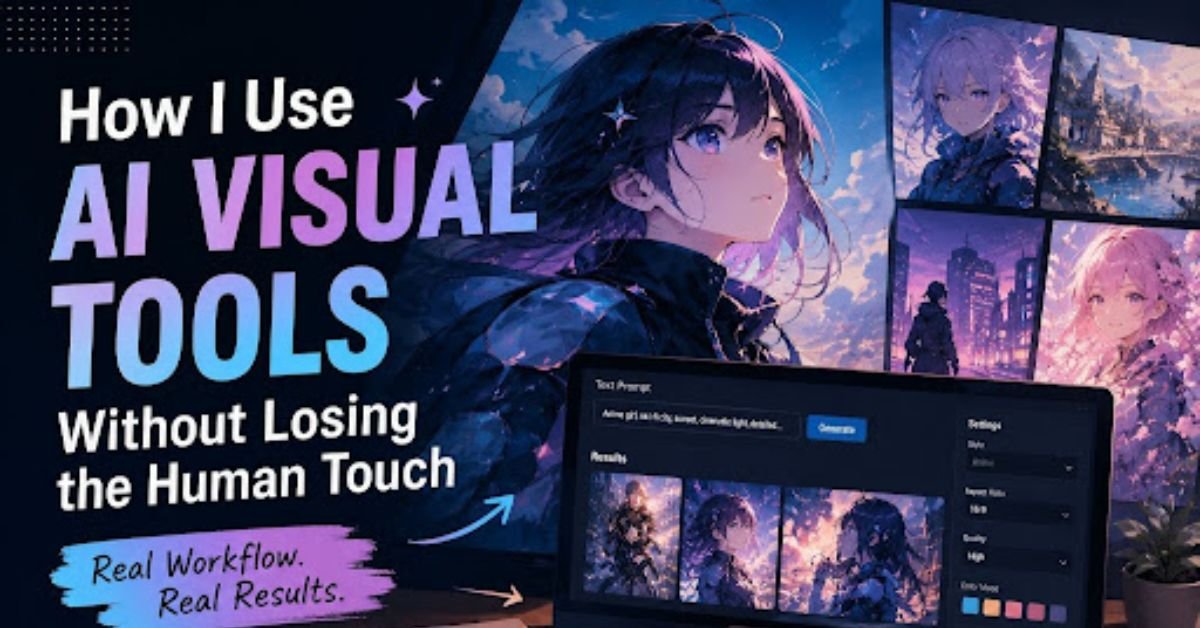
For anime-style ideas, character drafts, and visual concepts, I found that anAI anime art generator can be surprisingly practical when I treat it like a sketch partner rather than a finished artist. The tool gives me options. I still have to decide which option makes sense, which one feels too generic, and which one has enough personality to use.
The Tool Is Fast, But The Taste Still Has To Come From You
The biggest mistake I made in the beginning was expecting the tool to “understand” what I wanted. I would write a long prompt with colors, clothes, lighting, background, mood, camera angle, and a few random style words. The output looked polished, but it often had no real point.
It took me a while to realize that visual AI works better when the idea is smaller and sharper.
Now I ask myself a few plain questions before I generate anything:
What is the image supposed to do?
Who is going to see it?
What detail should they remember?
That last question matters a lot. A character with five accessories, glowing eyes, dramatic hair, three weapons, and a fantasy background usually feels noisy. A character with one clear symbol, one strong expression, and one readable color direction is easier to remember.
I learned that the hard way. Some of my early images looked “expensive” at first glance, but after ten seconds I could not describe them. That is a bad sign. If I cannot explain the image, the audience probably will not remember it either.
My Simple Working Method
I do not use a complicated system. I tried that. It made the process slower.
What works for me is closer to a small creative checklist:
| Step | What I Do | Why It Helps |
| Rough idea | I write the purpose in one or two sentences | Keeps the image from becoming random |
| Visual anchor | I choose one detail that must stand out | Makes the result easier to recognize |
| First draft | I generate several versions without judging too early | Gives me direction before I overthink |
| Review | I remove images that feel confusing or too artificial | Saves time later |
| Polish | I refine the strongest option | Turns a draft into something usable |
This is not a perfect workflow, but it is realistic. In actual content work, I rarely have a full afternoon to explore one image. Most of the time, I need something useful within a limited window.
AI helps with that. It does not remove the need for taste. It just gives me more starting points.
Where AI Images Help Me Most
I find AI visual tools most useful in the messy early stage. That is the part where I know the feeling I want, but I do not yet know the final look.
For example, if I am planning an anime-inspired character, I may test different outfits, facial expressions, color palettes, and background moods. I am not looking for the final image immediately. I am looking for direction.
The same applies to blog graphics, social media visuals, thumbnails, and creative mockups. A generated image can help me answer questions that are hard to solve in text:
Does this mood feel too dark?
Is the character too childish for the topic?
Would this visual work better as a close-up or a wider scene?
Does the color palette fit the platform?
These are practical questions. They are not about chasing a perfect image. They are about making better visual decisions faster.
The Parts I Still Do By Hand
I do not trust AI output without checking it. That may sound obvious, but it is easy to get lazy when the first image looks nice.
I usually zoom in and check the face, hands, clothing details, background objects, and any text-like shapes. I also ask whether the image matches the real purpose of the content. Sometimes the image is beautiful but wrong. That happens more often than people admit.
A soft, dreamy anime portrait may look great, but it may not fit a guide about productivity tools. A dramatic cyberpunk scene may feel impressive, but it can overpower a simple article. A cute character may get attention, but if it has nothing to do with the message, it becomes decoration.
That is where human editing still matters.
AI can produce style. It cannot always understand context.
Turning A Still Image Into Motion
One thing I have started using more often is light animation. I do not mean a full video production. I mean small movement: a slow camera push, blinking eyes, drifting hair, glowing particles, or a soft background shift.
A still image can already be useful, but motion gives it a little more life. For social posts, short clips, profile content, or visual storytelling, this can make a big difference. When I want to test that kind of movement, I use tools forAI image animation after I already have a strong still image.
The order matters. I do not like animating a weak image. If the original visual is messy, motion usually makes the problems more obvious. A clean image with a strong subject works much better.
This is something I wish I understood earlier. Animation is not a repair tool. It is an enhancer. The still image has to carry the idea first.
What Makes An AI Visual Feel Less “AI”
People often ask why some AI images feel fake even when the quality is high. From my own testing, the problem is usually not resolution. It is lack of intention.
A good image has a reason for every major detail. The clothing matches the character. The expression matches the mood. The background supports the story. The colors do not fight each other. Nothing feels randomly added just because the tool could add it.
When I want an image to feel more natural, I reduce the prompt instead of adding more. I remove extra effects. I avoid stacking too many style words. I keep the scene focused.
Less decoration often feels more human.
Final Thoughts
AI visual tools are now part of my regular creative process, but I do not treat them as a replacement for judgment. They are useful because they help me move faster from idea to draft. They let me test styles, characters, moods, and simple animations without starting from a blank page every time.
The real value comes from how you use them. A weak idea will still become a weak image. A clear idea, reviewed with a human eye, can become something worth publishing.
That is the balance I trust most: let the tool generate, but let the person decide.